1 Restore
Bring a face back
Old prints and low-resolution photos lose the face first. Restoration rebuilds facial detail without turning the person into someone else.
Old, blurry, faded or black-and-white — Photo Studio restores any photo in one tap, right on your device. Nothing is uploaded.
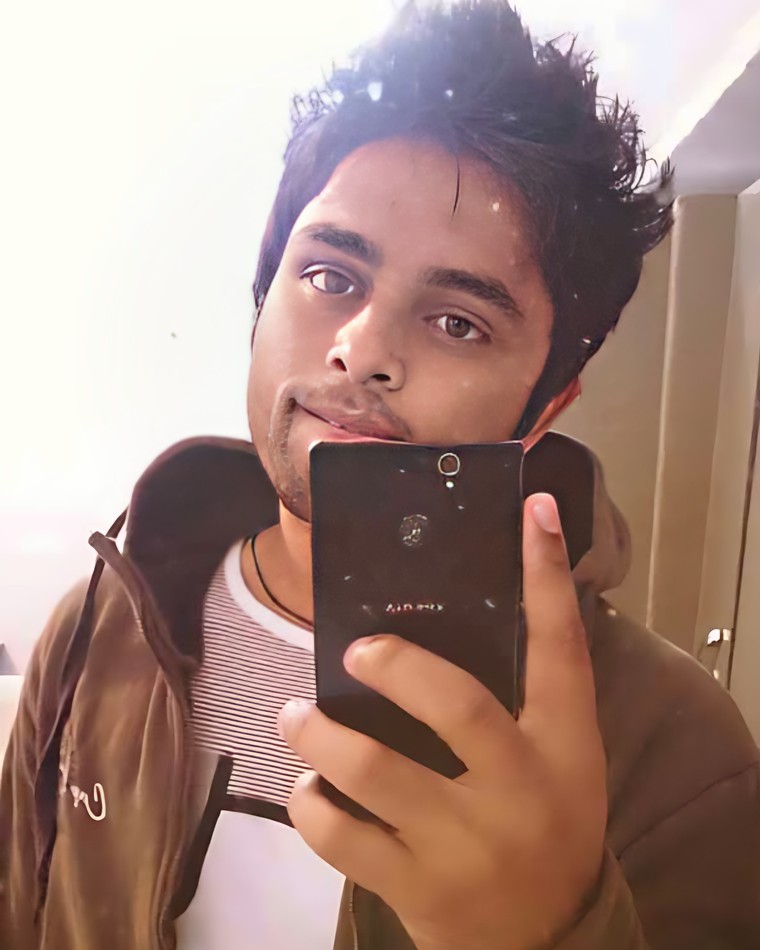

Old prints and low-resolution photos lose the face first. Restoration rebuilds facial detail without turning the person into someone else.
Camera shake and a missed focus pull are not always fatal. Sharpening recovers edge detail that was still recorded, just smeared.
Texture, contrast and micro-detail across the frame — the difference between a photo that looks scanned and one that looks shot.
Skin, fabric and background are each read separately, so the result reads as a colour photograph rather than a tinted one.
Edges, hair and the gaps between them — the parts a manual selection takes longest on and still gets wrong.
Creases, tears, dust and the fading that comes with age, removed without flattening the detail underneath.
Album photos and early phone snaps lose sharpness, colour and detail over the years — and there's rarely a better copy to go back to.
Most restore apps upload your family photos to a server to do the work. Photo Studio does it all on your phone — your photos never leave your device.
Pick a photo and Photo Studio sharpens and upscales it instantly. From there, a row of one-tap tools lets you take it further — each running entirely on your device.
Recover crisp detail from soft, low-resolution or shrunken photos.
Bring back natural eyes, skin and features on faces that have gone soft or noisy.
Add natural, believable colour to black-and-white photos.
Keep the subject sharp and softly blur the background, with adjustable strength.
Add crispness back to soft or slightly out-of-focus shots.
Photograph a printed album photo and straighten it into a clean, flat image.
Every example below was produced entirely on a phone. Drag the slider on each to see before and after.
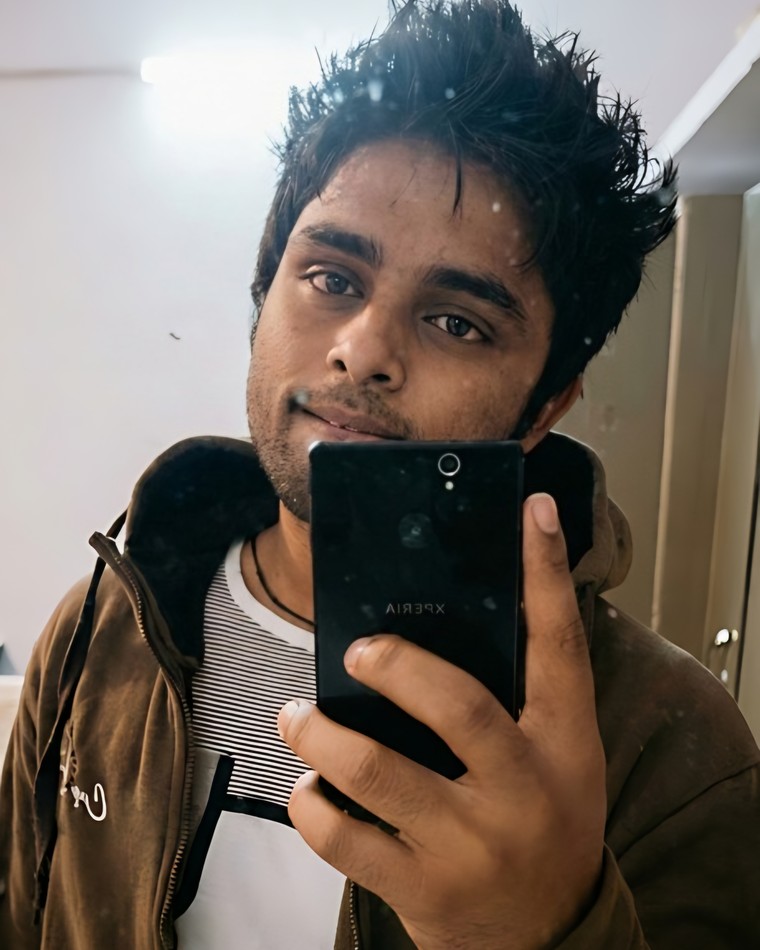
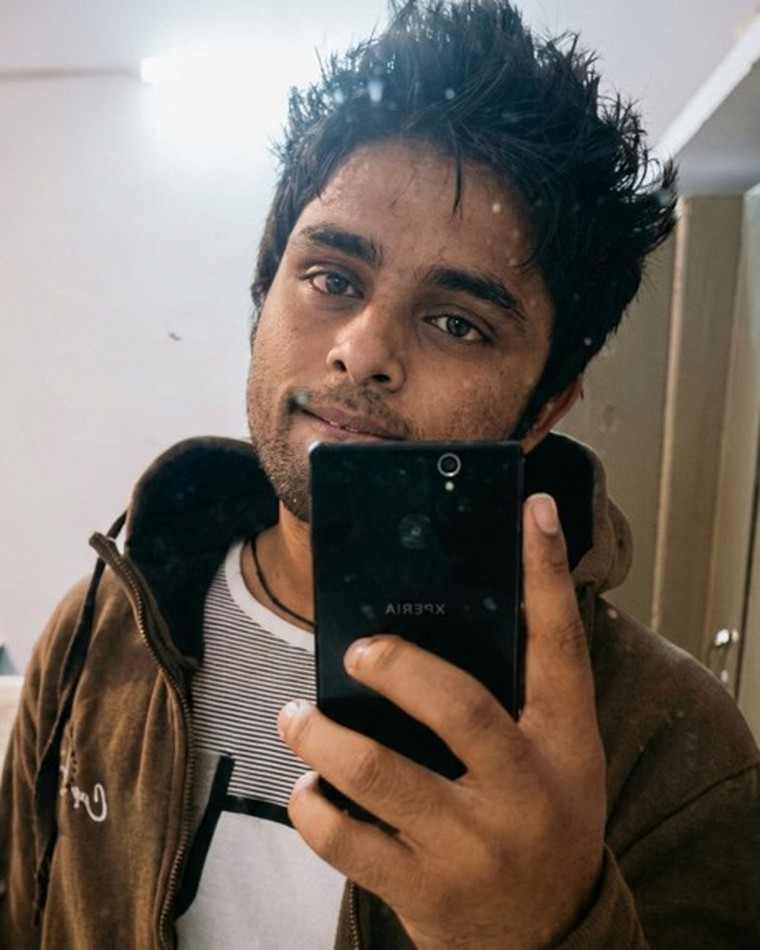
Recover crisp detail from soft, low-resolution photos.
Bring back natural eyes, skin and features on a soft, noisy face.
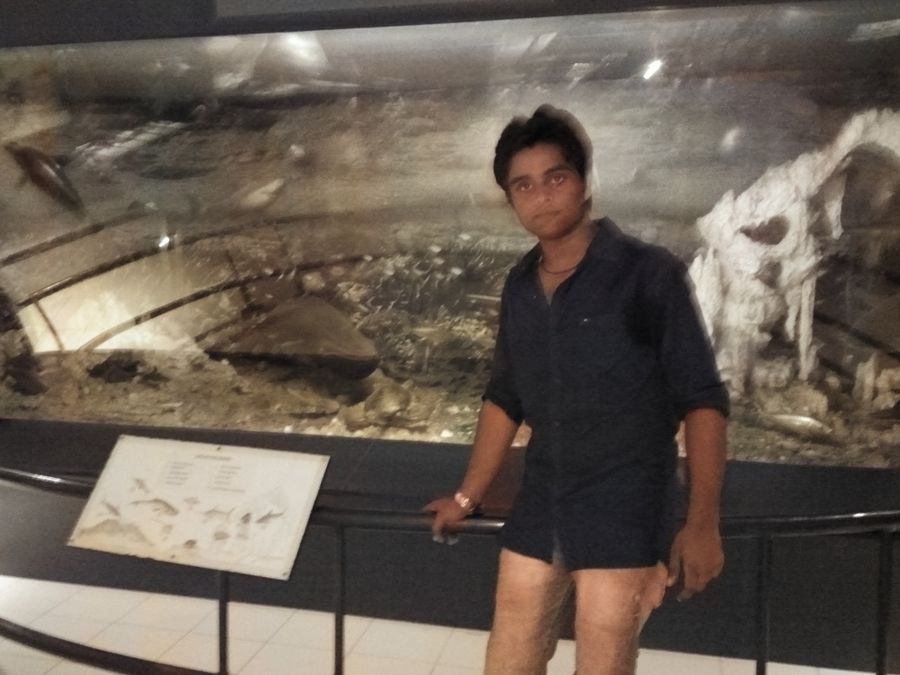
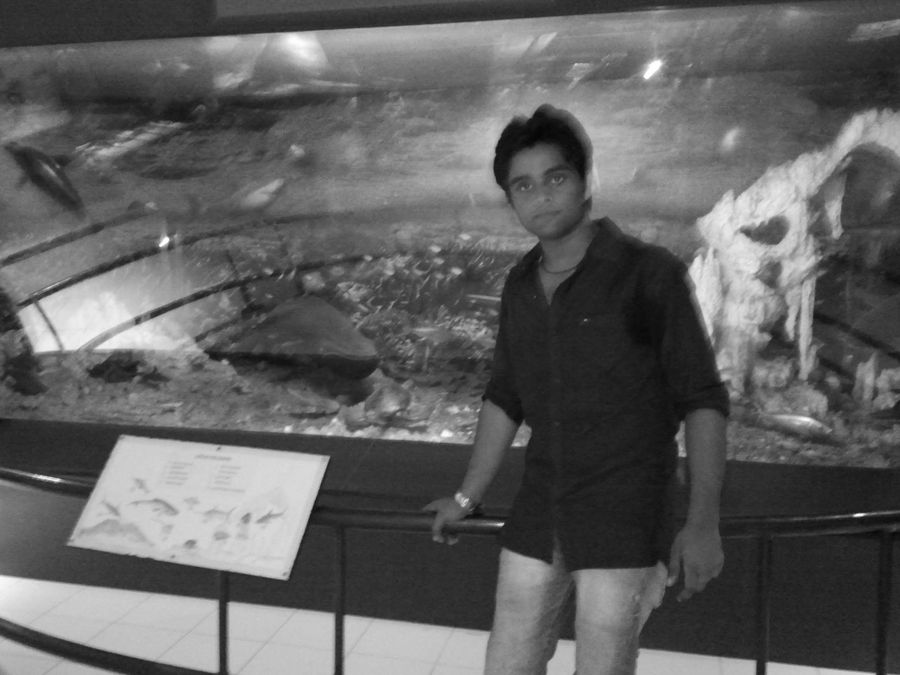
Add natural, believable colour to black-and-white photos.
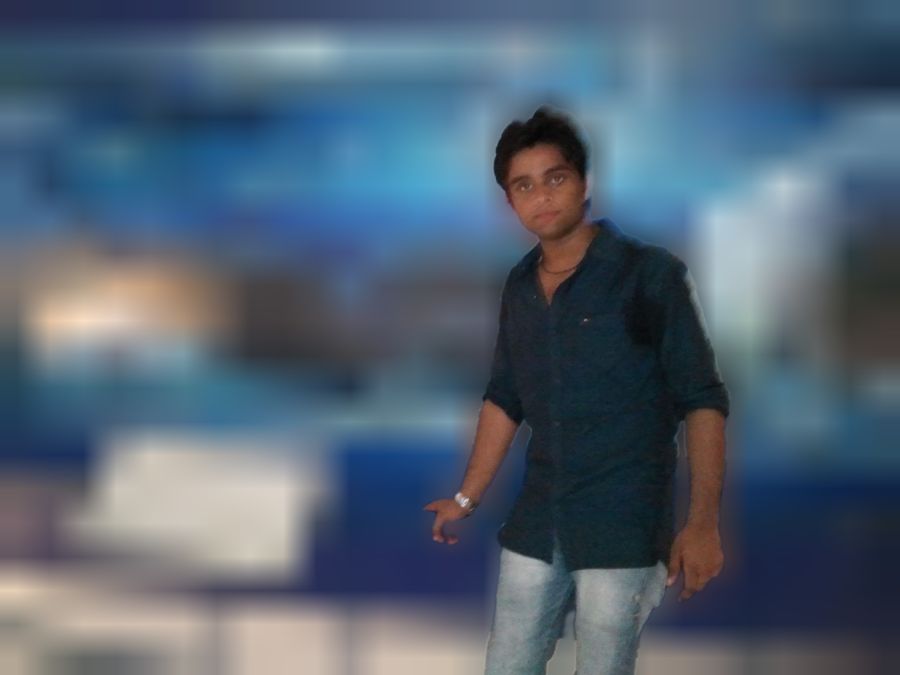

Keep the subject sharp and softly blur a busy background.
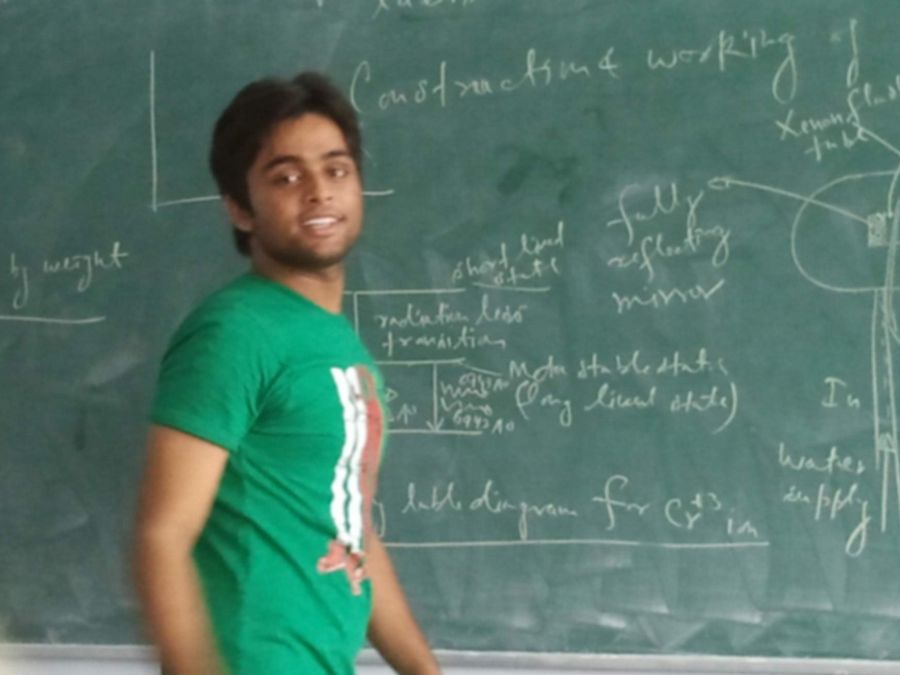
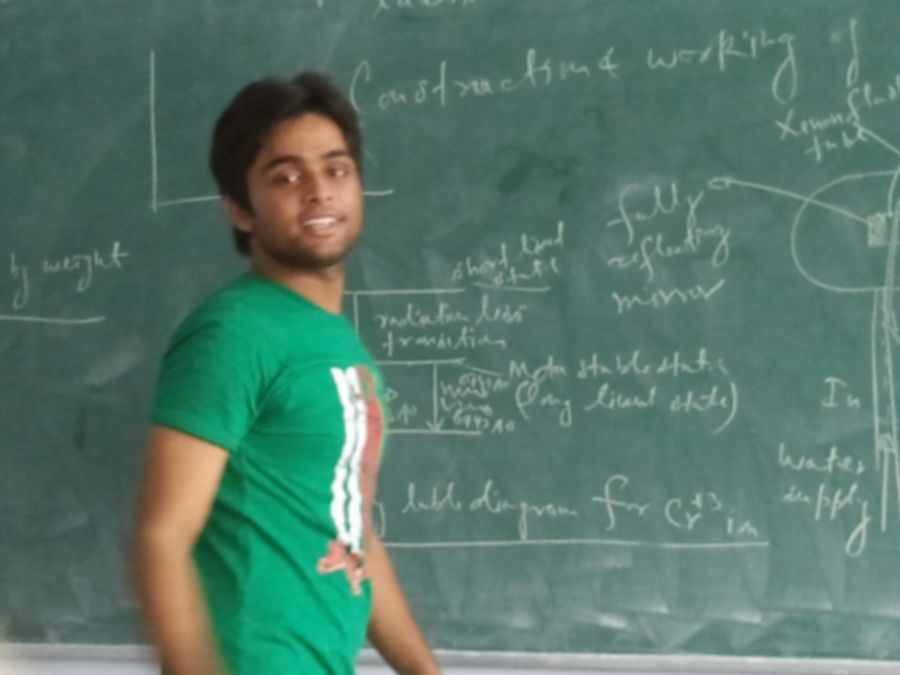
Add crispness back to soft or slightly out-of-focus shots.
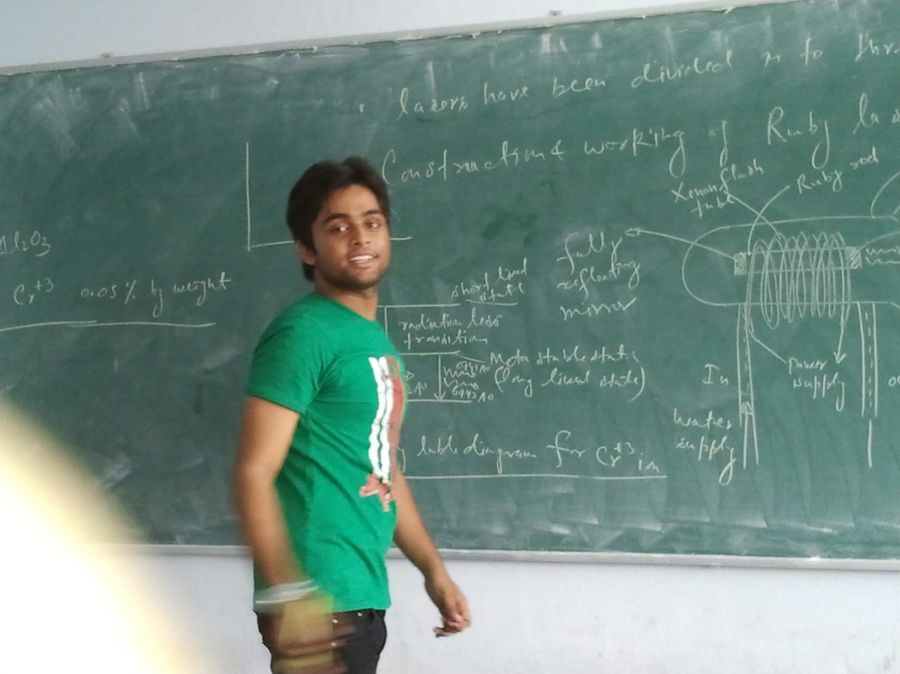
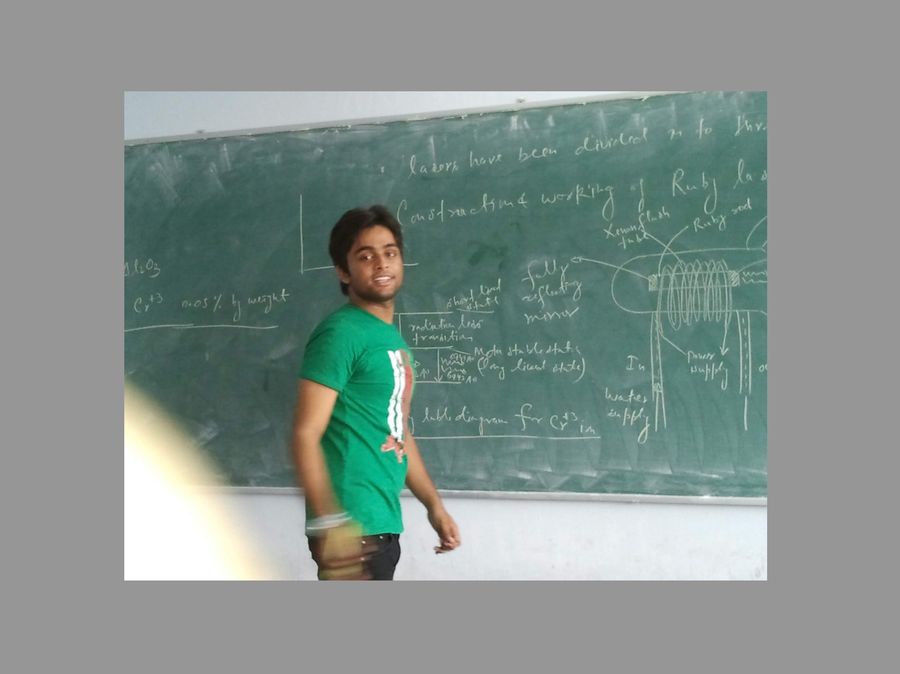
Photograph a printed album photo and straighten it into a clean, flat image.
Choose one from your gallery, or snap a printed photo from an album.
Photo Studio enhances it on-device, then offers one-tap tools to go further.
Compare before and after, save to your gallery, and reopen it anytime.
Photo Studio runs entirely on your device — no upload, no cloud, no waiting on a server. Your photos, and the people in them, stay with you.